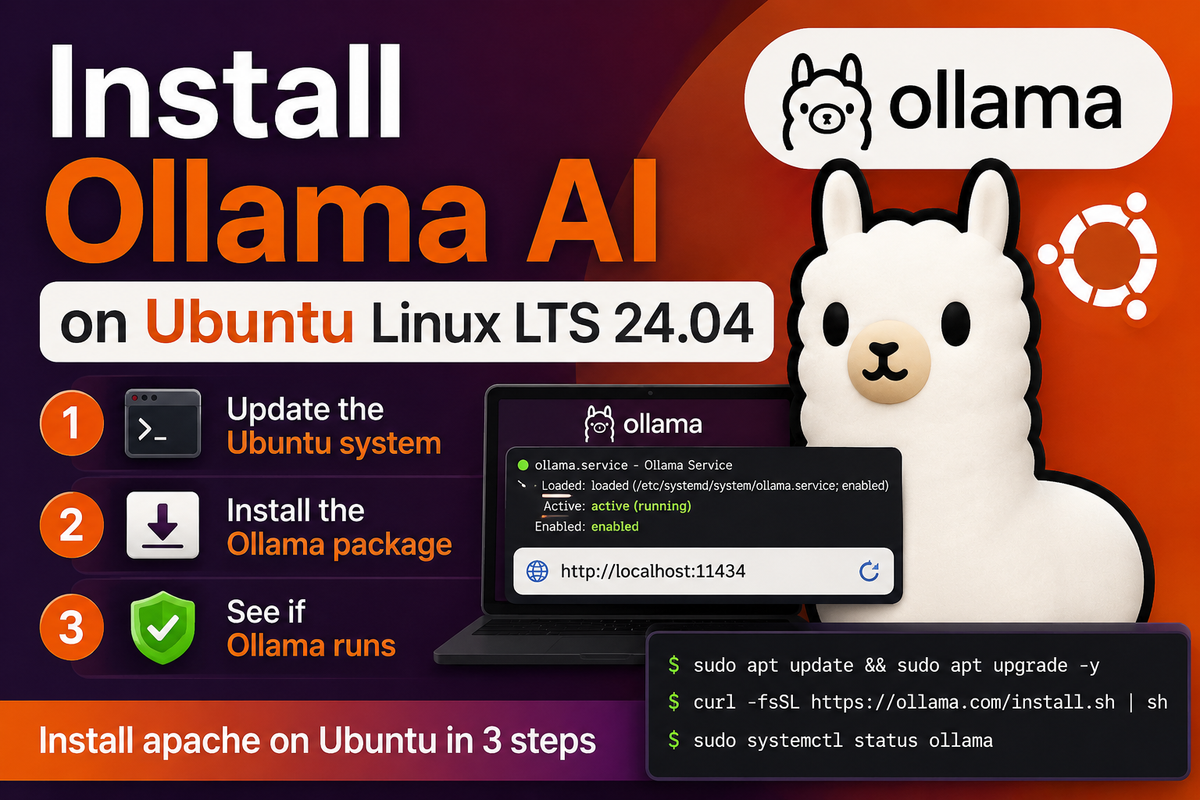
Install Ollama AI on Ubuntu Linux LTS 24.04

Install apache on Ubuntu in 3 steps
Share
Install Ollama AI on Ubuntu Linux LTS 24.04
  1. Update the Ubuntu systemYou can do that with the command in the Command line.
sudo apt update && sudo apt upgrade -y
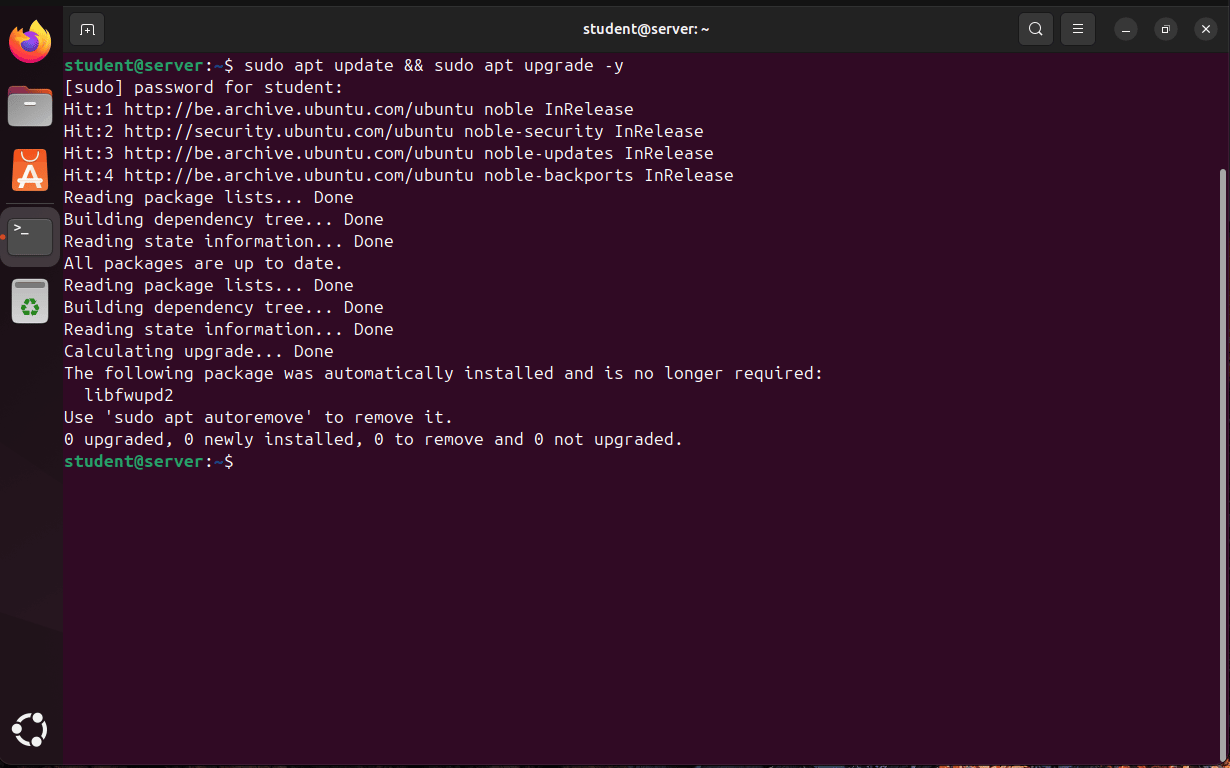
Screenshot of an Ubuntu 24.04 desktop showing the Terminal application after running sudo apt update && sudo apt upgrade -y. The output indicates that all packages are up to date, with no packages upgraded, installed, or removed. The terminal prompt returns to student@server:~$, confirming the update process completed successfully.
  1. Install the Ollama package for Ubuntu LinuxI got it from the official download page.https://ollama.com/download
curl -fsSL https://ollama.com/install.sh | sh
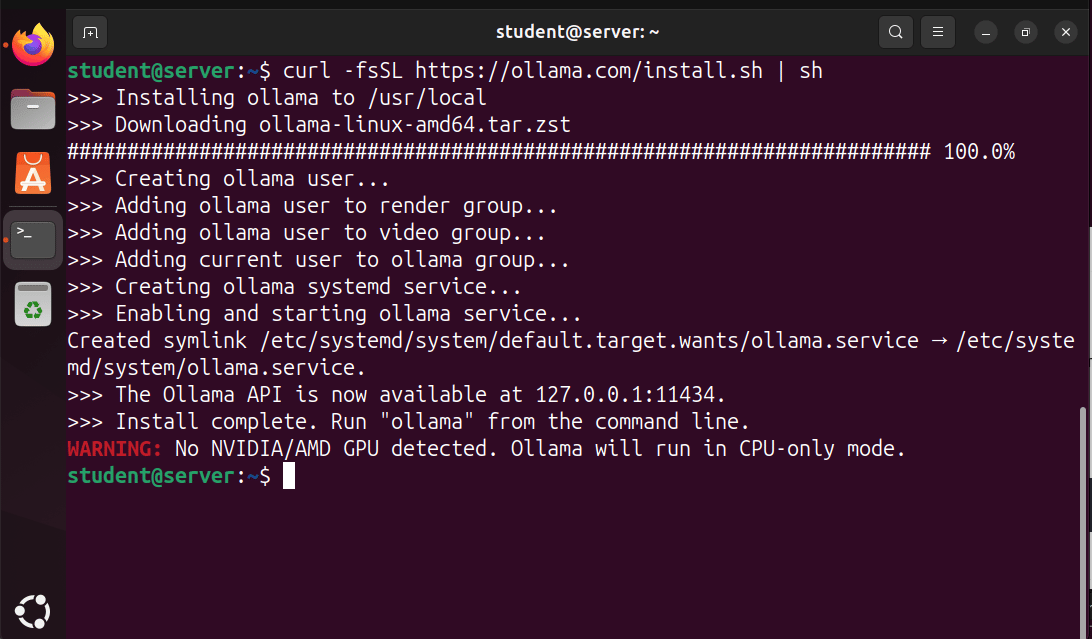
Screenshot of an Ubuntu terminal showing the successful installation of Ollama using the command curl -fsSL https://ollama.com/install.sh | sh. The output displays download progress, creation of the Ollama user and system service, service startup, and confirmation that the Ollama API is available at 127.0.0.1:11434. A warning at the end indicates that no NVIDIA or AMD GPU was detected, so Ollama will run in CPU-only mode.
  1. See if nginx runsYou see if the package runs by typing the next command or going to your web browser and search for http://localhost:11434.
sudo systemctl status ollama
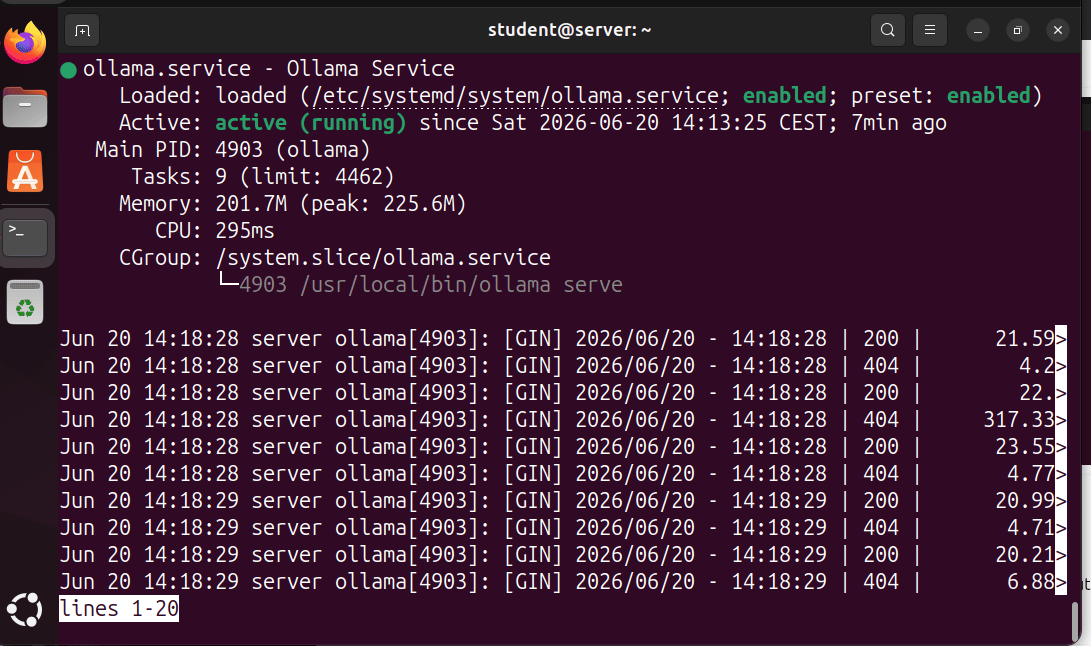
Screenshot of an Ubuntu terminal displaying the status of the Ollama service using systemctl status ollama. The service is shown as active (running) and enabled at startup. Details include the main process ID, memory usage, CPU time, and the command /usr/local/bin/ollama serve. Recent log entries at the bottom show incoming API requests with HTTP 200 and 404 response codes, confirming that the Ollama server is running and receiving traffic.

Active: means that it is running on the computer.

Enabled: means that it automatically startups as the computer boots
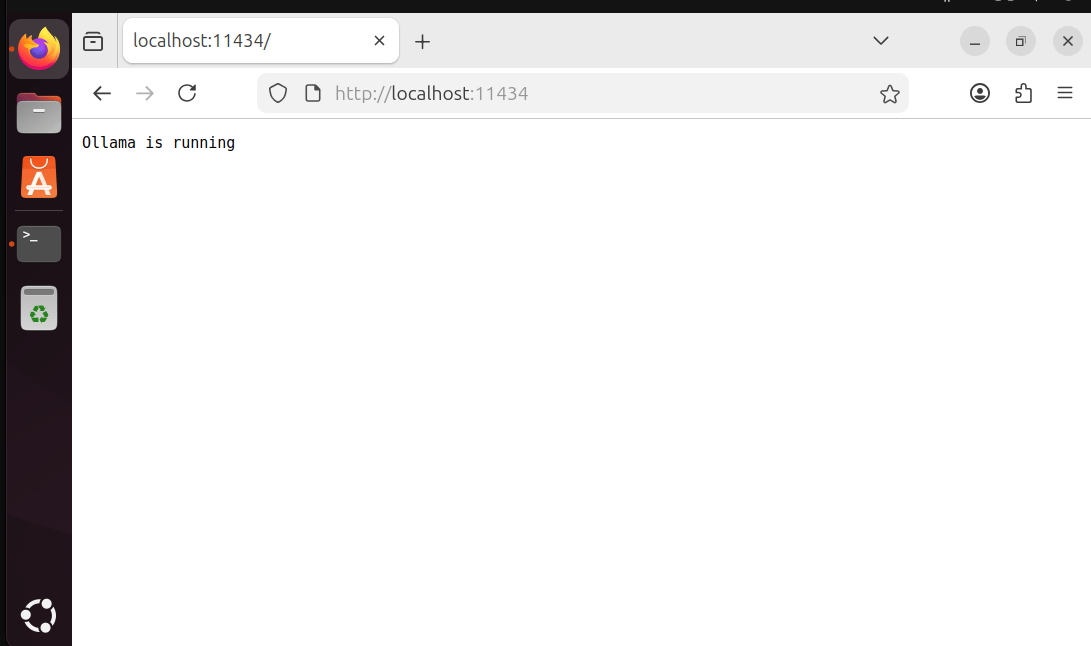
Screenshot of the Firefox web browser on Ubuntu displaying the local Ollama endpoint at http://localhost:11434. The page shows the message “Ollama is running”, confirming that the Ollama service is active and responding to requests on the local machine.