How to use Ollama on Ubuntu LTS 24.04

A step-by-step guide to running local LLMs with Ollama on Ubuntu 24.04 LTS
Share
How to use Ollama on Ubuntu LTS 24.04

After The installation that you did here install-ollama-ai-on-ubuntu-linux-lts-24-04 you are ready to start using ollama.

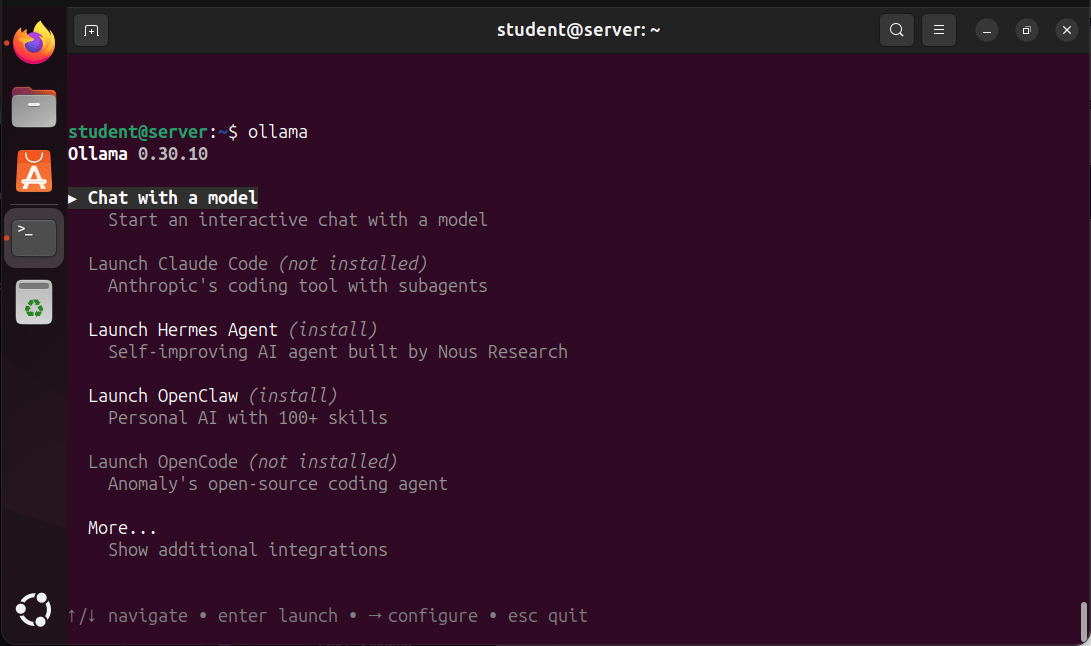
  1. Start up Ollama to use it.
ollama
Screenshot of an Ubuntu Linux terminal running Ollama 0.30.10. The terminal displays an interactive menu with options including “Chat with a model,” “Launch Claude Code,” “Launch Hermes Agent,” “Launch OpenClaw,” and “Launch OpenCode.” The “Chat with a model” option is highlighted, and navigation instructions are shown at the bottom of the screen.
  1. For now, we'll choose Google's Gemma4 model because it works offline and only needs 12 GB storage space.Press enter

After that select “Chat with a model” and press enter.You will then see the models that Ollama works with.
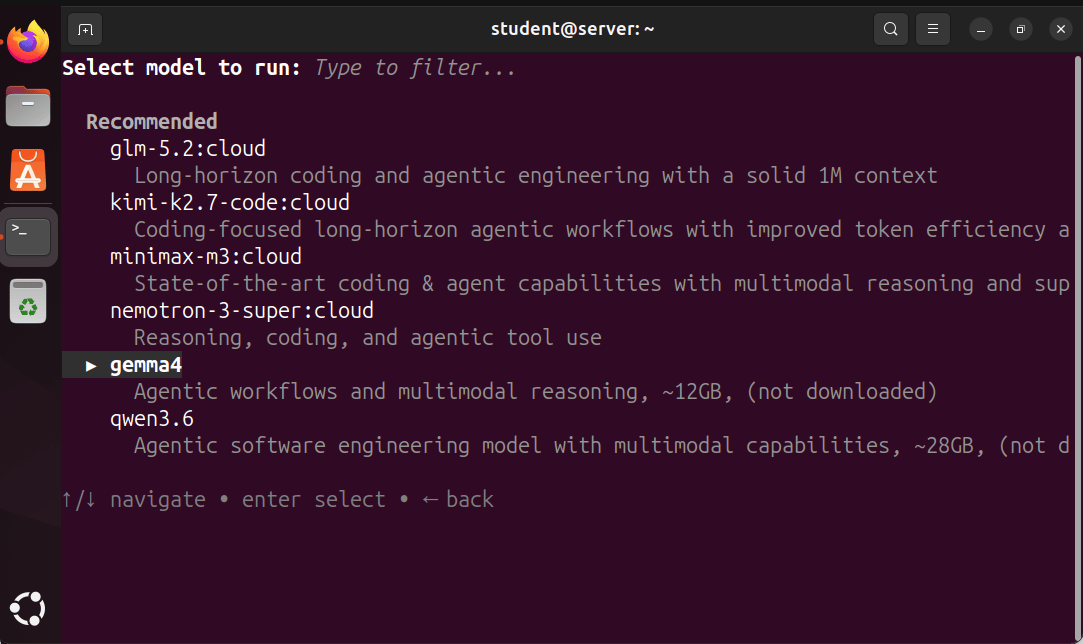
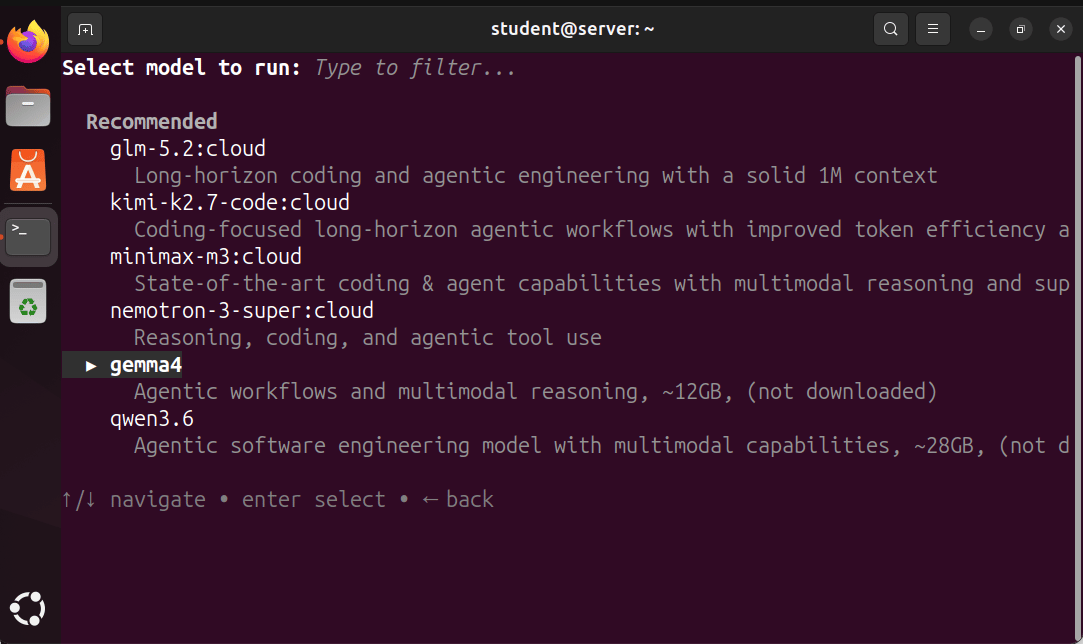
An Ubuntu desktop showing a terminal window with a model selection interface. The menu lists several AI and agentic models, including glm‑5.2:cloud, kimi‑k2.7‑code:cloud, minimax‑m3:cloud, nemotron‑3‑super:cloud, gemma4, and qwen3.6. The model ‘gemma4’ is currently highlighted, and navigation instructions appear at the bottom of the screen.
  1. Ollama will ask for a confirmation. (enter to Download)
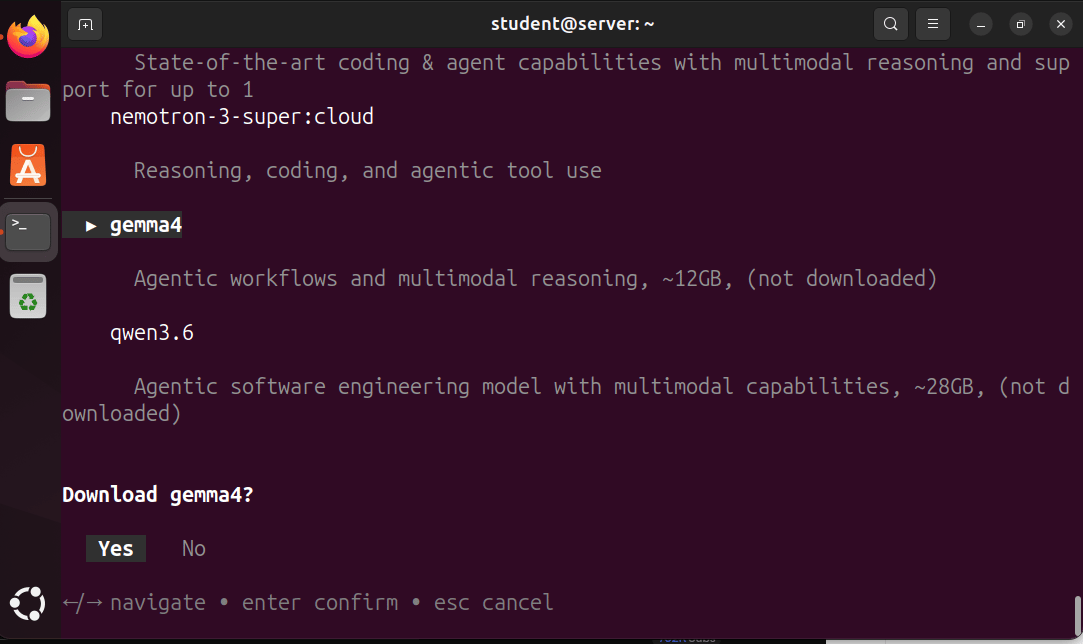
An Ubuntu desktop showing a terminal window where a text‑based interface prompts the user to download the AI model ‘gemma4’. The screen lists other models such as nemotron‑3‑super and qwen3.6, with descriptions of their agentic and multimodal capabilities. A confirmation dialog at the bottom asks: “Download gemma4? Yes / No,” along with navigation instructions.

Ollama automatically downloads the Gemma4 model and brings you to the chat interface
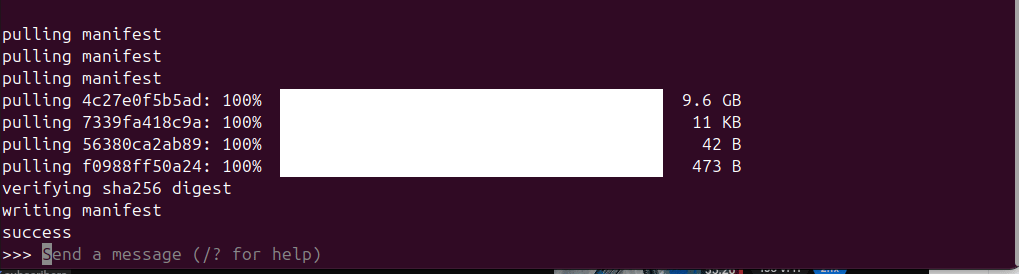
A terminal window on an Ubuntu system displaying progress logs for pulling several data layers, including a 9.6 GB file, followed by SHA‑256 verification, manifest writing, and a final ‘success’ message. A prompt at the bottom reads ‘Send a message (/? for help)’.

Good luck!

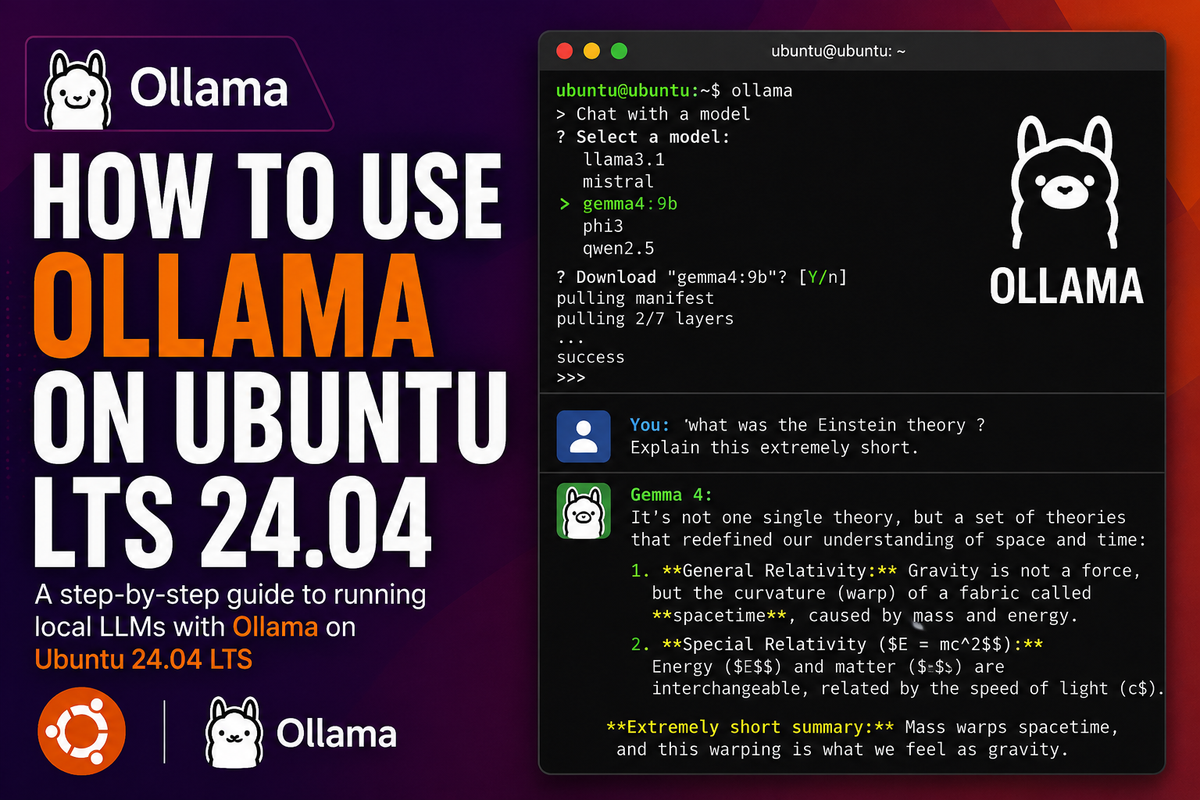
My question to Gemma 4: what was the Einstein theory? Explain this extremely short.

Answer:

It's not one single theory, but a set of theories that redefined our understanding of space 
and time:

1. **General Relativity:** Gravity is not a force, but the curvature (warp) of a fabric called 
**spacetime**, caused by mass and energy.
2. **Special Relativity (E = mc²):** Energy (E) and matter (m) are 
interchangeable, related by the speed of light (c).

**Extremely short summary:** Mass warps spacetime, and this warping is what we feel as gravity.